
 An Event Page in Minutes - Poster, date, location,
QR Tickets by Email - Every buyer gets a scannable
Track Promoter Sales - Know exactly how much each
An Event Page in Minutes - Poster, date, location,
QR Tickets by Email - Every buyer gets a scannable
Track Promoter Sales - Know exactly how much each
Not a ticket site that keeps your buyers and a cut of every sale, your event, your page, your customers, and a door that runs itself.
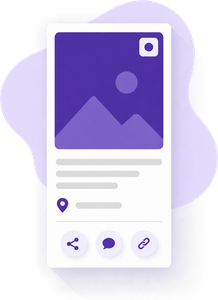
Drop in a poster, set the date, time and location, write the details, and publish. Your event gets its own link with a map, add-to-calendar, and share buttons for Facebook, Instagram and text.
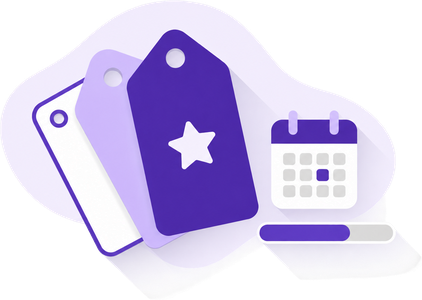
Early bird, general, VIP table, at the door, each with its own on-sale window and quantity. Set a capacity and sales stop when you're full. One ticket can even cover a whole series of events.

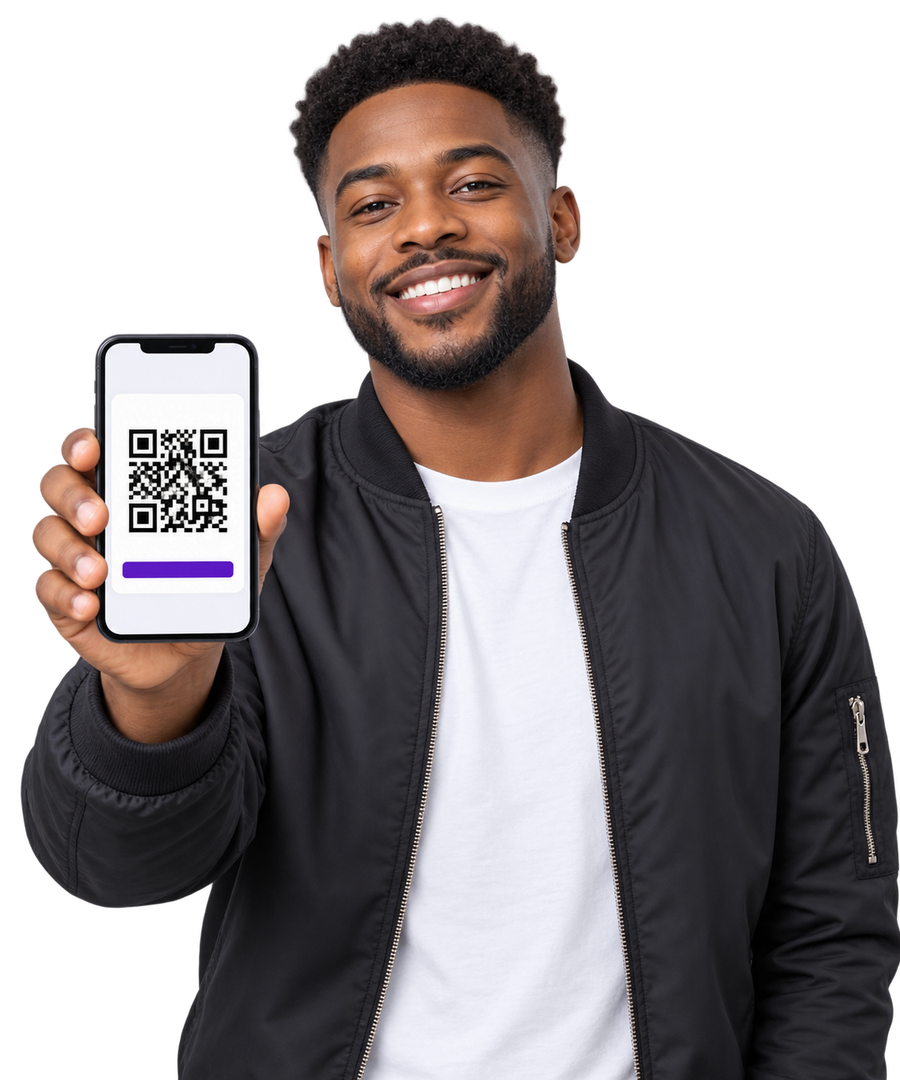
The moment someone pays, their receipt carries a QR ticket and a link to its own ticket page. No app, no account, no printing, they show their phone at the door.
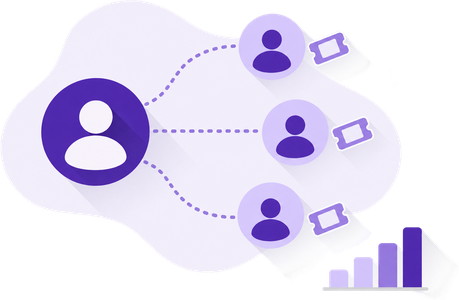
Every member who opens your event gets their own share link. Tickets sold through it are credited to them, and the promoter board shows who brought the crowd.
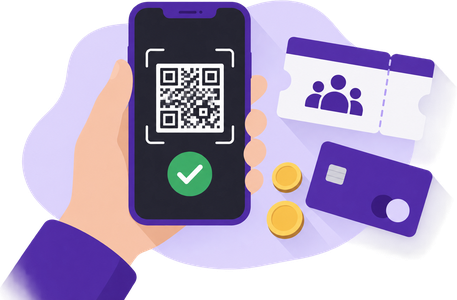
Scan QR codes with the app camera, check guests in by name, or type a ticket number. Sell to walk-ins right at the door for cash or card, and every guest is checked in as they pay.

Tickets sold, checked in, revenue by event and by source, your page, your website, each promoter, the door. Embed any event on your own website with one line of code.
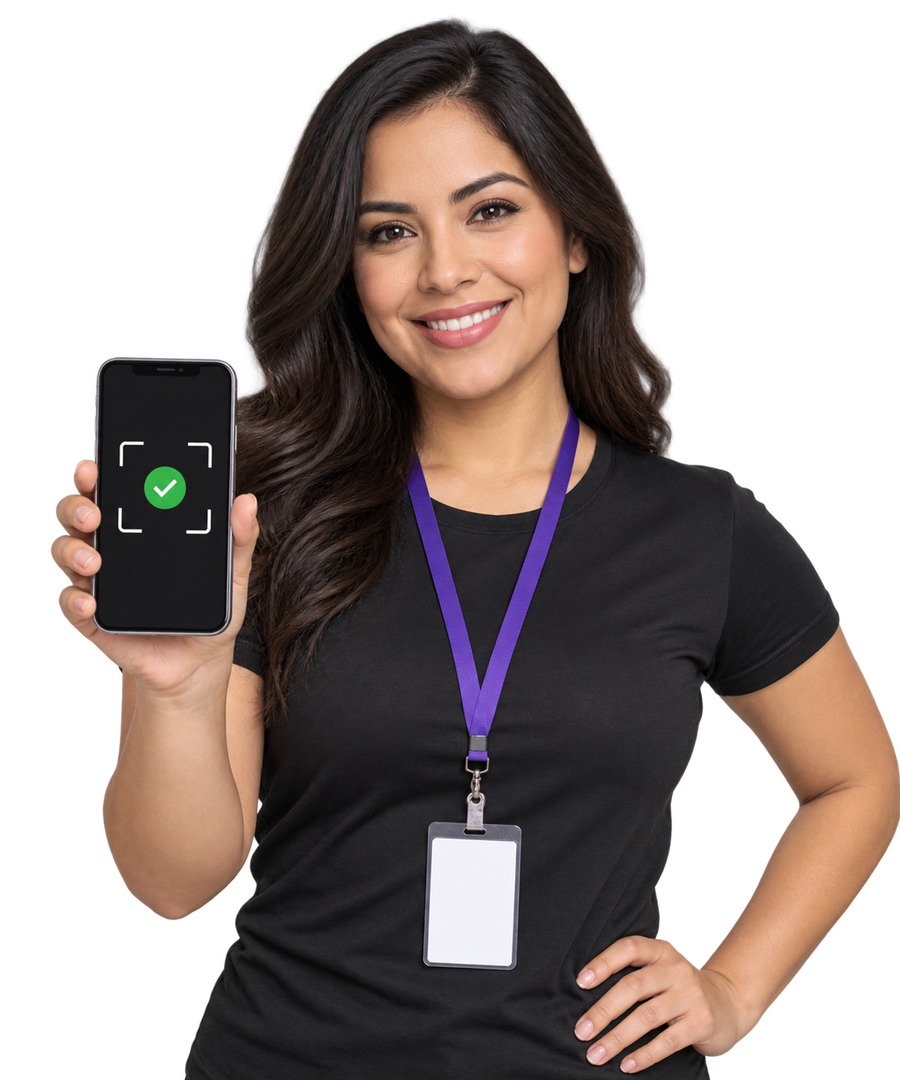
Open the guest list in the app, tap Scan Ticket, and point the camera at the guest's phone. The ticket is checked against what was paid, the guest is checked in, and the count ticks up, all before they've put their phone away.
Hand the guest list to a volunteer. Every ticket is checked against what was actually paid, so the line moves and nobody gets in twice.
Point the app camera at the QR code. A valid ticket checks in with one tap; a used, refunded or disputed one is flagged on the spot.
Only tickets to this event get in. When a regular needs in on their class pass, Staff and above can override with a single, deliberate tap, volunteers at the door can't.
Pick the price, pick a member or a walk-in, take cash or card. The guest is checked in and their ticket receipt is emailed before they even enter.
A table for eight is one ticket that admits eight. The door sees how many of the party are in, and how many are still to come.
Pick the ticket price on the guest list, and the guest taps their card or phone right on your iPhone or Android. No card reader to buy or carry, and they're checked in the moment it's paid.
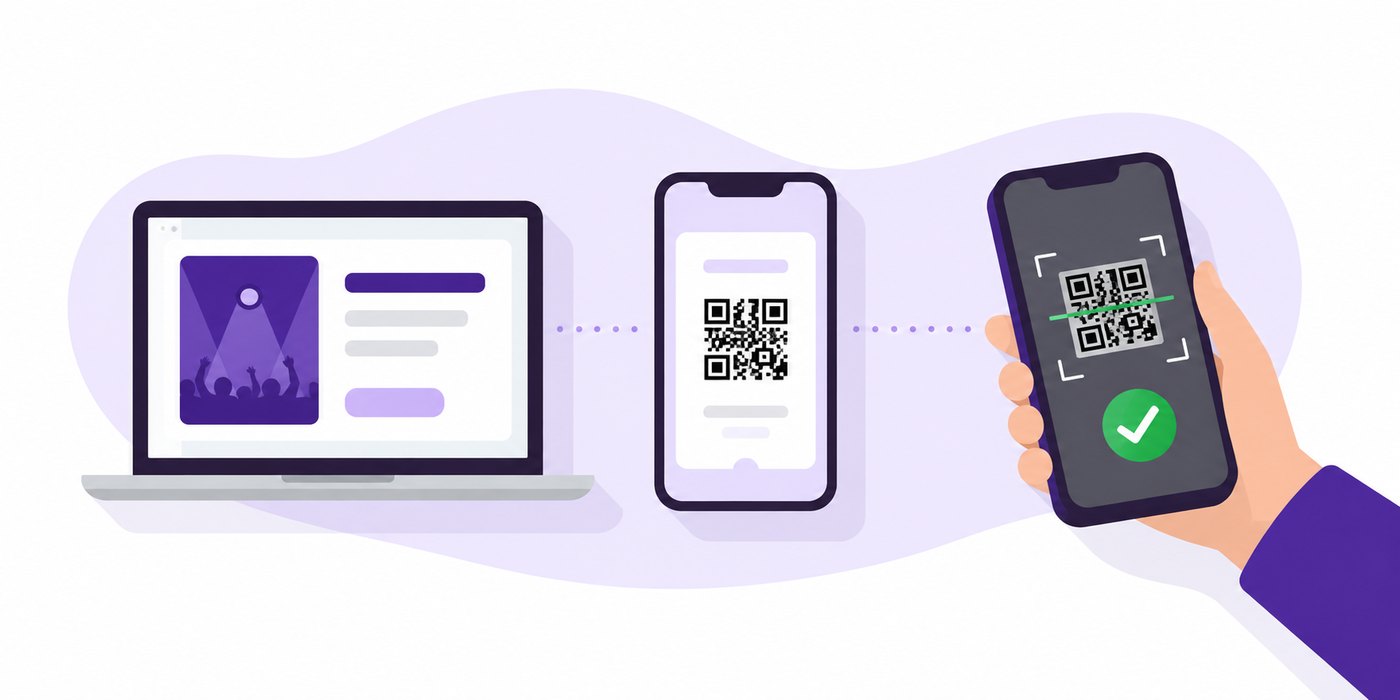
Sign up free in under a minute, no credit card, no contract, month-to-month.
Add the poster, date and place, then create its ticket prices, early bird, general, VIP, and switch it live.
Share the link, let your promoters share theirs, and scan tickets at the door from your phone. Watch the numbers as the night fills up.
No. Anyone can buy from your event page with an email address and a card. The ticket arrives by email as a QR code with a link to its own ticket page, and a link to finish their account later if they want one.
Open the event's guest list in the Member.Life app and point the camera at the QR code. Valid tickets check in with one tap, used or refunded tickets are flagged on the spot, and staff can type a ticket number or look a guest up by name instead.
Yes. The same guest list has a door sales screen: pick the ticket price, pick a member or walk-in, take cash or card, and the guest is checked in with a ticket emailed to them.
Every signed-in member gets their own share link for each event. Tickets bought through that link are credited to them, and the event's promoter board shows who sold what.
No. Member.Life is month-to-month with no setup fees. Create your account and publish your first event free today, no credit card required. Card processing fees apply to ticket payments.